
ZentroConnect
Make it easy to stay in touch.
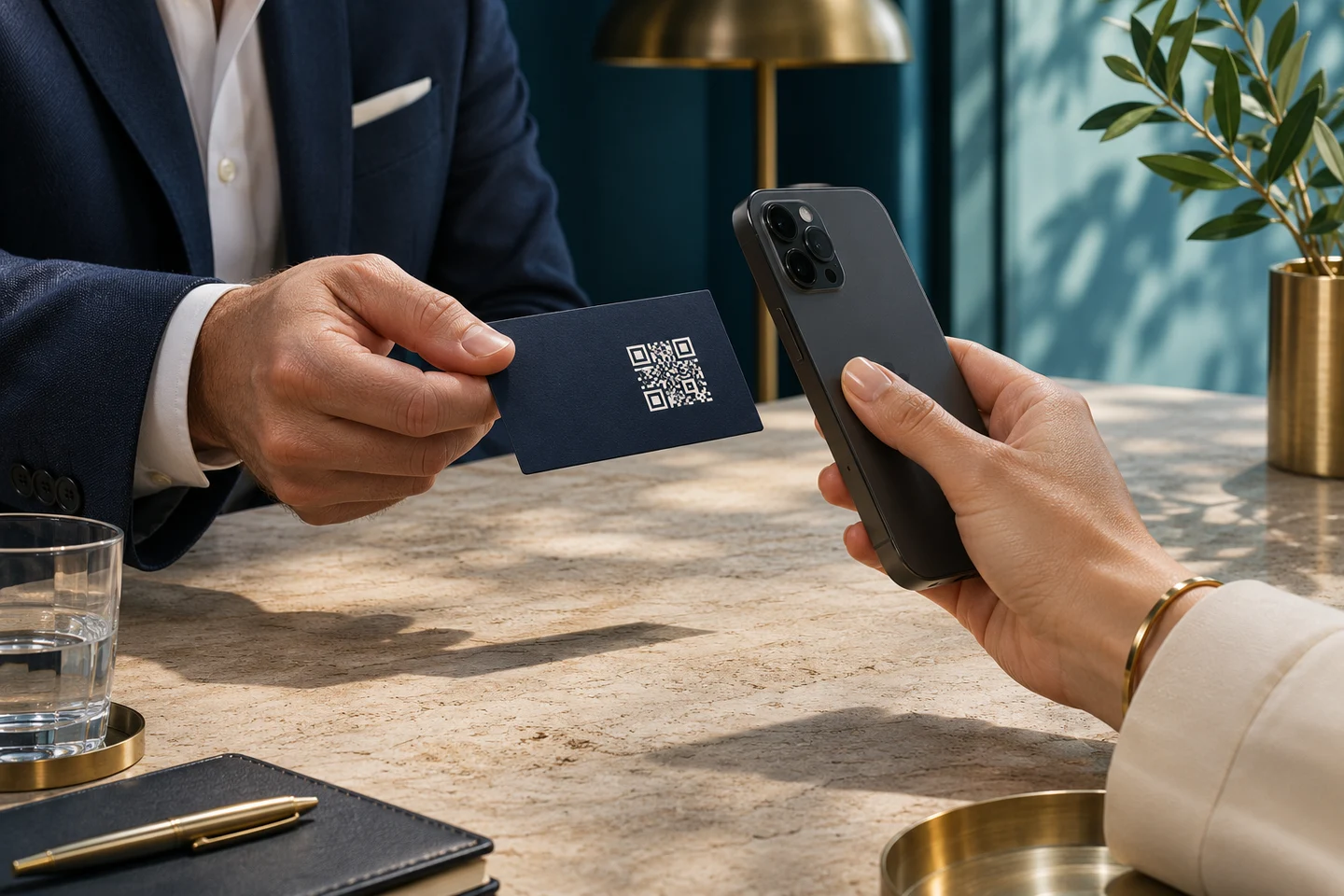
Give each staff member a branded digital business card. Share it in a conversation, on a screen, or in print, and give people a simple way to follow up.
Included with Solo, Genesis, and Enterprise.
Make it yours
Choose a theme, set a personal banner, and add the contact actions you want people to use.
Share anywhere
Copy your public link, download a QR code, or let a visitor save your contact straight from the card.
Follow up
Review inquiries alongside card visits, downloads, and other engagement.
The public card
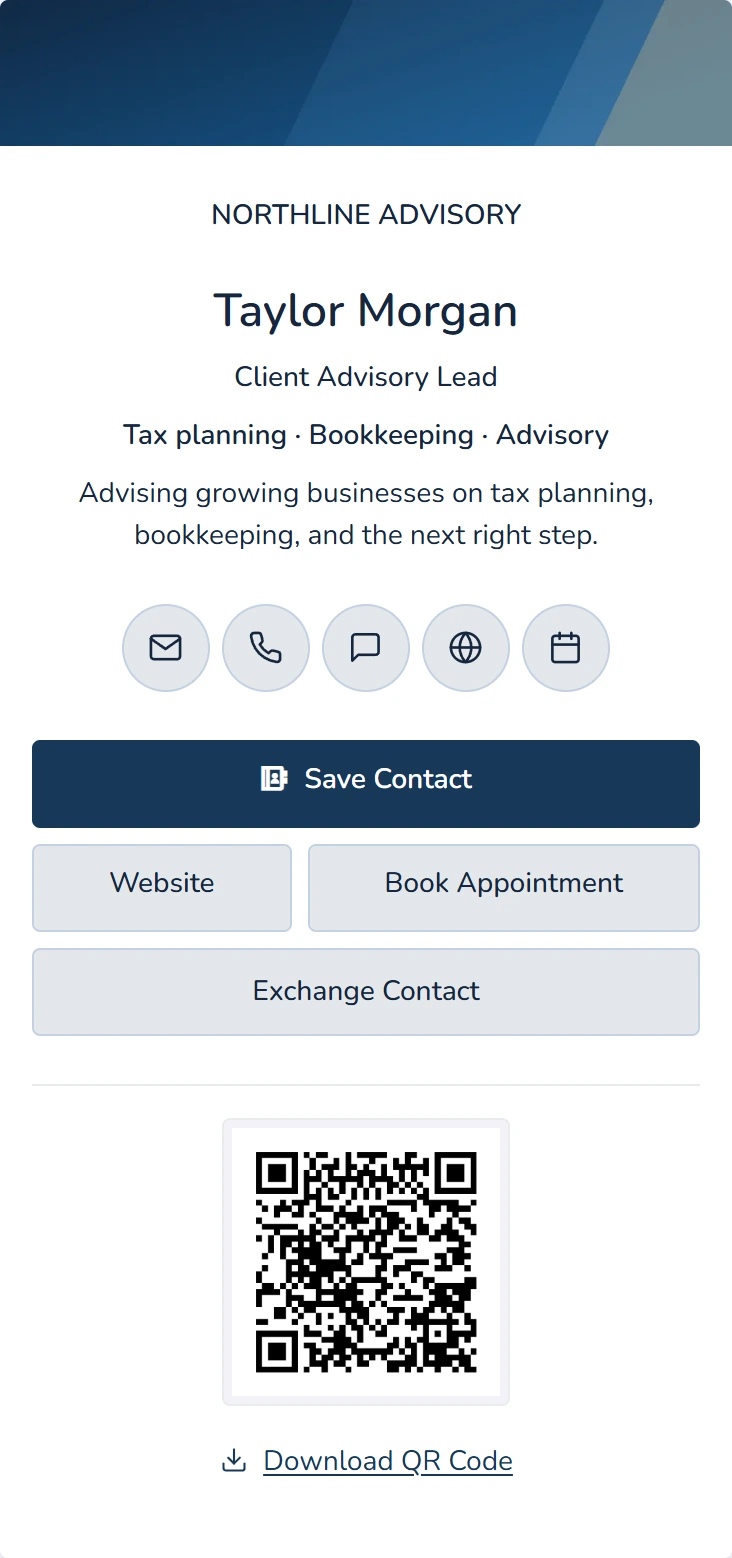
Your firm’s brand. Your own card.
Give clients one place to call, email, book an appointment, or find your website. Your card is built for the phone they already have in hand.
- Design the card. Start with one of 12 themes, then add a personal banner or use the firm’s background.
- Choose the next action. Add public contact details, social links, a website, and an appointment link.
- Review before sharing. Keep changes in a draft, preview your appearance, and publish when you’re ready.
Inquiries and analytics
Keep track of what happens after you share.
When enabled, Exchange Contact lets visitors leave their information for your team to review. View card visits, contact downloads, clicks, and inquiries in ZentroConnect.
See how follow-up works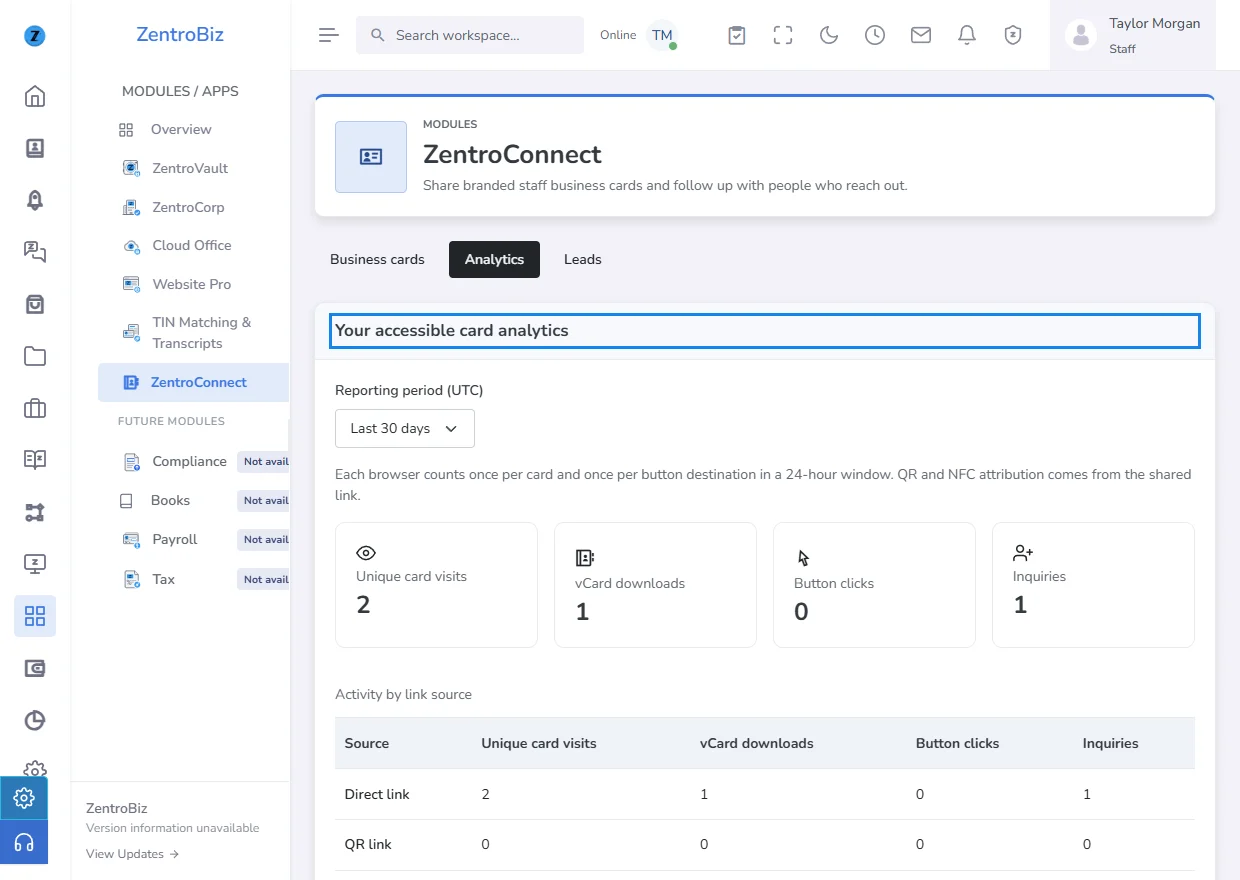
Questions about ZentroConnect
Can every staff member customize a card?
Staff with the required access can edit and publish their own cards. Firm owners and authorized admins can manage the firm’s cards.
Do visitors need a ZentroBiz account?
Anyone with the link can open a published card while the firm allows public cards. Visitors can use its actions, scan the QR code, and download the vCard.
What happens when someone shares their details?
Exchange Contact stores submissions in Leads for review. The separate CRM-connected inquiry form can match an existing contact by email so an inquiry can be recorded without creating a duplicate.
How do I get access?
ZentroConnect is included with Solo, Genesis, and Enterprise. A firm owner or authorized admin can allow public cards and decide whether to accept inquiries.
Put your first card together.
Follow the guide from your first draft to the link you can share.