
From Onboarding to Submission. One Connected Pipeline.
Replace the spreadsheets, the disconnected tools, the manual status tracking, and the "where's this payroll?" calls — with a unified system that runs every payroll cycle from start to finish.
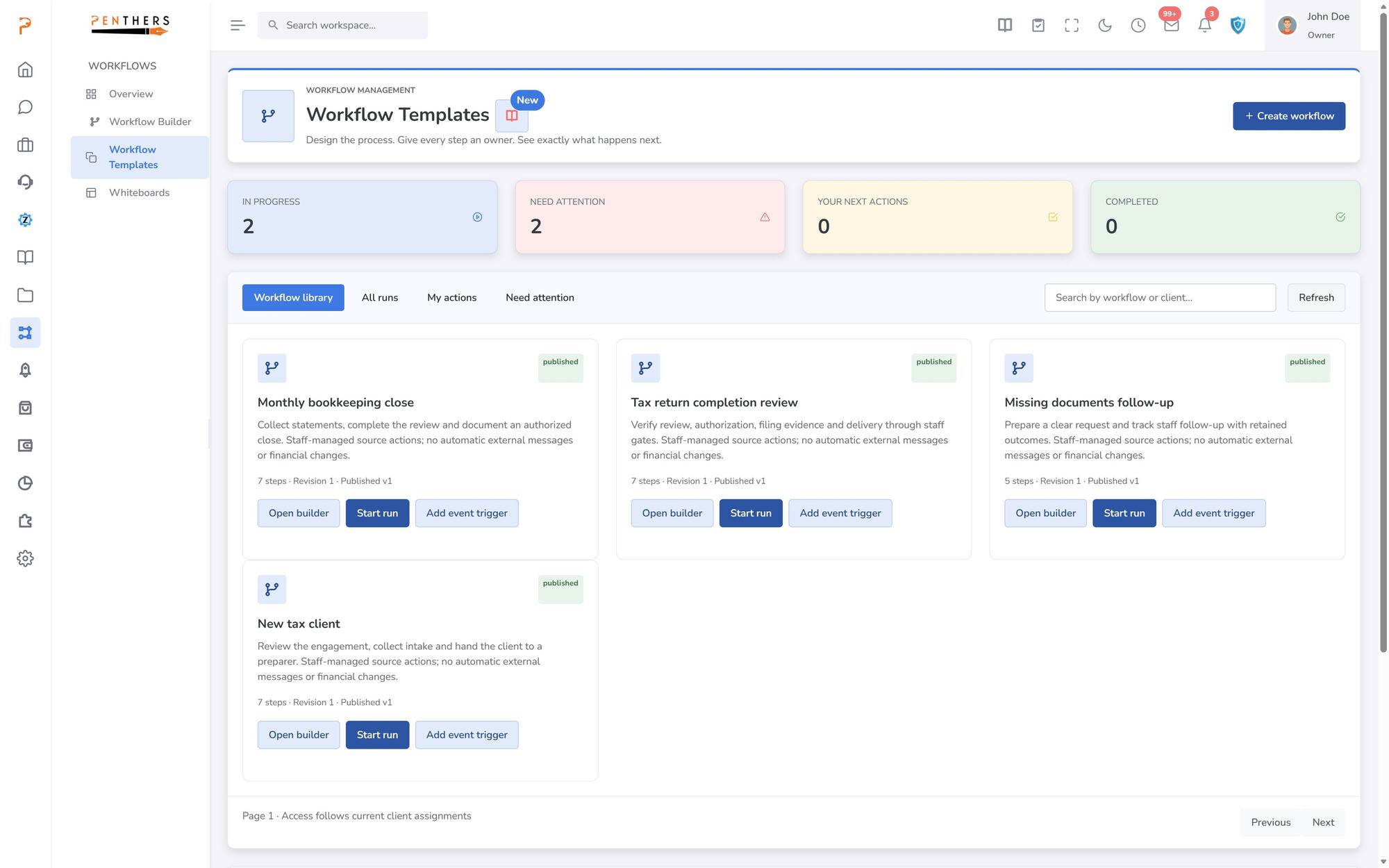
Workflow Templates · from the product
Payroll processing shouldn't feel like this.
Most firms manage payroll across disconnected systems, chase clients every cycle, and pray nothing falls through the cracks. It usually does.
Payroll software, CRM, spreadsheets, and email. Nothing talks to anything else. Client data lives everywhere and nowhere.
No centralized view of upcoming deadlines. When you manage 20+ payroll clients, manual tracking guarantees something slips.
Tracking which payrolls are awaiting data, ready to process, or need review in a spreadsheet. Outdated by the hour.
Calling and emailing clients for hours, timesheets, and approvals. Every pay period. Every client. Every time.
Firm owners have no idea which payrolls are on track and which are at risk until someone flags it manually.
When something goes wrong — a missed deadline, a compliance issue, an employee change — you find out after the fact.
The Solution
One system. Every payroll cycle. Fully connected.
The ZentroBiz Payroll Workflow Engine replaces your scattered tools with a single, intelligent pipeline that moves every payroll from onboarding to submission.
- Scheduled
- Awaiting Client
- Ready
- Processing
- Review
- Submitted
- Completed
- Exception
- Payroll Pipeline
See every payroll cycle at a glance.
The Payroll Pipeline gives your team a real-time Kanban view of every active payroll cycle across all clients. Drag cards between stages, take action directly from each card, and never lose track of where a payroll stands.
- Mark Ready, Skip Period, or flag Exceptions — all from the pipeline card.
- Pipeline Stages
Eight stages. One clear path.
Every payroll cycle moves through a structured pipeline — from initial scheduling through final submission. Each stage has clear actions and status visibility.
Payroll is queued based on pay frequency. Auto-created from engagement schedules — weekly, bi-weekly, semi-monthly, or monthly.
Waiting on hours, timesheets, commissions, or approvals from the client. Automated reminders keep things moving.
All client data received and verified. Payroll is ready to be processed — no blockers, no missing information.
Payroll is actively being processed. View client submissions, run checklists, and upload documents from this stage.
Processed payroll is under internal review. Verify totals, check compliance, and confirm accuracy before submission.
Payroll has been submitted to the provider. Awaiting confirmation and final processing acknowledgment.
Payroll cycle is fully complete. Filed, confirmed, and archived. Ready for the next cycle to begin.
Something went wrong — missed deadline, compliance issue, or client error. Flagged for immediate attention and resolution.
Payroll Clients
Your entire payroll book. One registry.
The Payroll Clients registry is your enterprise view of every payroll engagement. See provider connections, pay schedules, employee counts, next pay dates, assigned specialists, and health status — all in one filterable table.
- Filter by status, provider, or specialist
- Health indicators: On Track, Waiting, At Risk
- Auto-Run toggle for hands-free processing
- Next pay date visibility across all clients
- Client Onboarding
New client or existing — onboarding takes minutes.
Whether you're setting up a brand-new payroll client with guided onboarding or activating an existing client who already has a provider, ZentroBiz streamlines the entire setup process.
- Guided setup — collect employee data, confirm schedule, verify tax details
- Quick setup — provider already in use, skip onboarding and activate immediately
- Pipeline Actions
Take action right from the pipeline card.
Every payroll card in the pipeline shows the client, pay date, assigned specialist, and contextual actions. No need to open separate screens — act directly from the board.
- Confirm all client data is received and move to processing.
- Client has no payroll this cycle — skip without breaking the pipeline.
- Something went wrong — flag for immediate attention and resolution.
- See what the client submitted — hours, documents, approvals.
- Processed payroll moves to review for verification before submission.
- Built-in checklist ensures nothing is missed during processing.
- Engagements & Schedules
Every pay schedule. Every provider. Fully managed.
Each payroll client has structured engagements with provider connections, pay frequencies, and employee rosters — all linked to your CRM and pipeline.
Connect QuickBooks, Gusto, ADP, or any payroll provider via API. Switch providers without losing workflow history.
Weekly, bi-weekly, semi-monthly, monthly — payroll cycles auto-generate based on the engagement schedule.
Track employee counts, compensation details, and withholding elections per payroll engagement.
Real-Time Status
Everyone knows where every payroll stands.
Staff see the full pipeline. Leadership sees aggregate metrics. Clients know their payroll status. No more emails asking "did my payroll run?"
Built specifically for firms managing multiple payroll clients
Results
The outcomes firms actually care about.
Zero Missed Pay Dates
Automated scheduling and pipeline visibility ensure every payroll runs on time, every cycle.
Full Pipeline Visibility
Leadership sees every payroll across the firm in one view — no more status meetings or spreadsheets.
Faster Onboarding
New and existing payroll clients are fully set up in minutes with guided or instant activation workflows.
Exception Handling
At-risk payrolls are flagged immediately with health indicators — catch problems before they become penalties.
Less Client Chasing
Automated reminders and client submission workflows eliminate the manual back-and-forth every cycle.
Scalable Operations
Grow from 10 to 100 payroll clients without adding ops overhead — the pipeline scales with you.
Stop Managing Payrolls in Spreadsheets. Start Running Them in a Pipeline.
Join the firms replacing chaos with a system that runs every payroll cycle end-to-end.
More in Payroll & Bookkeeping.
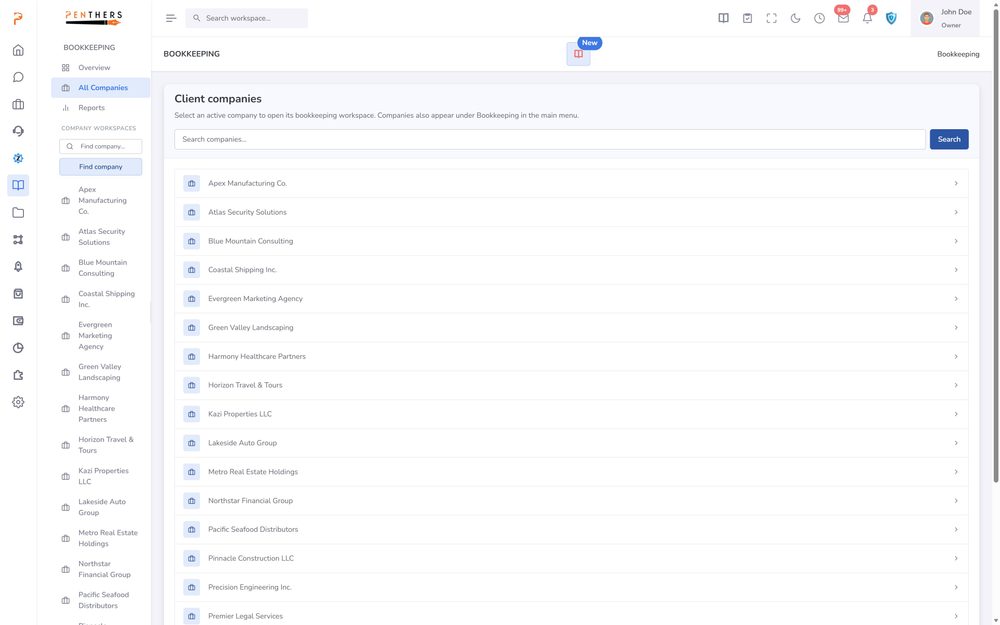
AI Bookkeeping
Automatically categorize, review, and reconcile transactions with intelligent AI built specifically for accounting firms.
Learn more ›Bookkeeping
Structured monthly cycles, AI auto-categorization, review queues, financial insights, receipt extraction, and a firm-wide dashboard — all connected to your client records and billing.
Learn more ›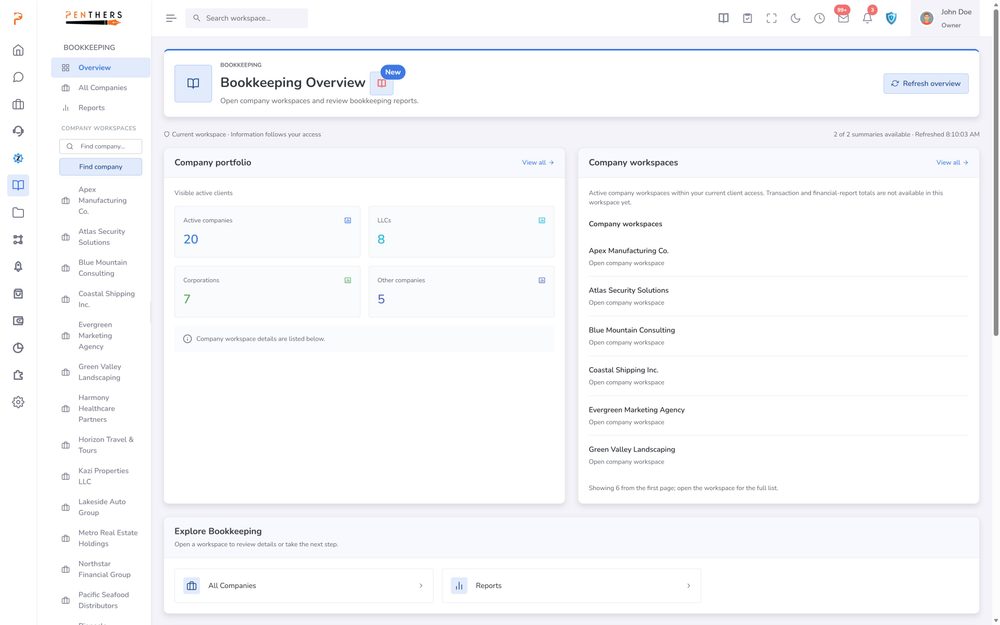
Bookkeeping Workflow Engine
Replace the spreadsheets, the manual categorization, the disconnected tools, and the "is this month closed?" messages — with a unified system that runs every bookkeeping engagement from…
Learn more ›See Payroll Workflow Engine in your firm.
A 20-minute demo tailored to your workflow, or start a 14-day trial. Submitting a request does not charge a card.