
From Onboarding to Month-End Close. One Connected System.
Replace the spreadsheets, the manual categorization, the disconnected tools, and the "is this month closed?" messages — with a unified system that runs every bookkeeping engagement from start to finish.
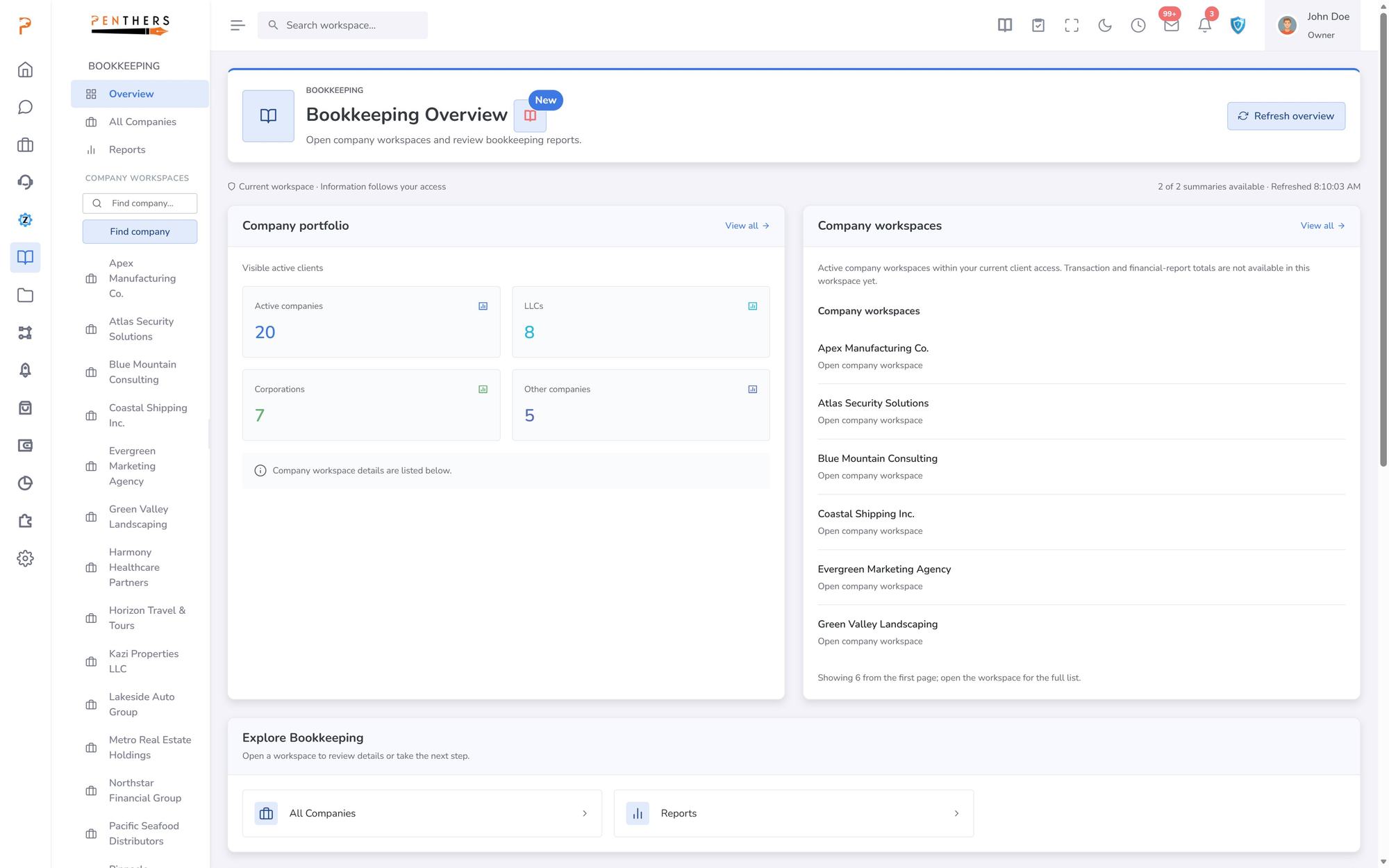
Bookkeeping Overview · from the product
Monthly bookkeeping shouldn't feel like this.
Most firms manually categorize thousands of transactions, track cycles in spreadsheets, and have no visibility into which months are actually closed. It doesn't scale.
Staff manually categorize every transaction for every client, every month. No AI, no learned rules, no consistency across the team.
Three modules. One complete bookkeeping system.
The ZentroBiz Bookkeeping Workflow Engine connects client onboarding, AI-powered transaction management, and structured monthly cycles into a single, intelligent platform.
- Client Onboarding
- Connect Provider
- Sync Transactions
- AI Categorization
- Review & Approve
- Push to Ledger
- Month-End Close
- Client Workflows
Onboard new clients. Activate existing. Start cleanups.
The Client Workflows module gives your team a structured registry of every bookkeeping engagement. Track onboarding status, contract signing, workflow steps, and assigned staff — all from one screen.
- New Client — guided onboarding with contract signing
- Existing — activate clients already on a provider
- Cleanup — structured workflows for catch-up engagements
- AI Transactions
Review, categorize, and post — with AI doing the heavy lifting.
The Transactions module syncs directly from QuickBooks, then AI categorizes each transaction with confidence scores. Staff review only what needs attention — flagged items, low-confidence suggestions, and anomalies.
AI Suggestion — auto-categorized with 70-90% confidence. Approve with one click.
Every tool you need. One transaction screen.
Pull the latest transactions from QuickBooks with one click. Resync the last 90 days when you need a fresh pull.
AI assigns categories and vendors with confidence scores. Learns from your corrections to improve over time.
Approved transactions push directly to your client's QuickBooks ledger. No manual re-entry, no copy-paste.
Re-run AI categorization across all transactions when rules change or after bulk updates.
Tab-based filtering separates what needs attention from what's already processed or intentionally excluded.
Find any transaction by vendor, description, amount, or date. Sort by confidence to tackle low-confidence items first.
Monthly Cycles
Structured monthly workflows. For every client.
The Monthly Cycles module manages every bookkeeping period across your entire client base. See which months are open, in progress, in review, or closed — with aggregate status cards and per-client workspace access.
Auto-Create cycles for all active clients. Open Workspace to dive into any month.
Cycle Stages
Four stages. Clear accountability.
Every monthly bookkeeping cycle moves through a structured workflow — from opening to close. Each stage has clear owners and actions.
Cycle created for the month. Transactions synced, documents requested, and workspace ready for the team to begin.
Team is actively categorizing transactions, reconciling accounts, and processing documents for this period.
Work is complete and ready for senior review. Flagged items, anomalies, and financials are verified before closing.
Month is fully reconciled, reviewed, and closed. Financial insights generated. Ready for client delivery.
Workspace Tools
Everything your team needs — inside every cycle.
Each monthly cycle opens a dedicated workspace with the tools to process, review, and close — without switching between apps.
AI-generated narratives, trend analysis, and anomaly reports per client — ready for advisory conversations or month-end deliverables.
Structured close checklist ensures nothing is missed — reconciliation, adjustments, review, and final sign-off.
Generate monthly cycles for all active clients with one click. No manual setup for each engagement, each month.
QuickBooks Integration
Sync in. Categorize. Push back.
ZentroBiz connects directly to QuickBooks via API. Pull transactions in, let AI categorize them, then push approved entries back to the ledger — all without leaving the platform.
- Pull latest from QuickBooks
- Resync Last 90 Days
- Refresh historical data
- Auto-categorize with confidence
- Push to QuickBooks
- Post approved entries to ledger
This isn't a bookkeeping add-on. It's a bookkeeping operations system.
Built for firms managing multiple bookkeeping clients
- AI categorization with confidence scores and learning
- Structured monthly cycles with four-stage workflow
- Three onboarding paths: new, existing, and cleanup
- Direct QuickBooks sync — pull in, push back
- Every engagement linked to CRM, billing, and client records
- Results
The outcomes firms actually care about.
Faster Monthly Close
AI categorization and structured cycles reduce month-end close time dramatically across your entire client base.
Less Manual Categorization
AI handles the bulk of transaction categorization with confidence scores. Staff review only flagged exceptions.
Full Cycle Visibility
Leadership sees every client's monthly status — open, in progress, in review, or closed — in one dashboard.
Scalable Operations
Grow from 20 to 200 bookkeeping clients without adding proportional staff. The system scales with you.
Structured Onboarding
New clients, existing clients, and cleanup engagements each have dedicated workflows — no improvising.
Advisory-Ready Insights
AI-generated financial narratives and trend analysis turn bookkeeping data into client advisory deliverables.
Stop Managing Bookkeeping in Spreadsheets. Start Running It in a System.
Join the firms replacing manual processes with AI-powered workflows that close months faster.
More in Payroll & Bookkeeping.
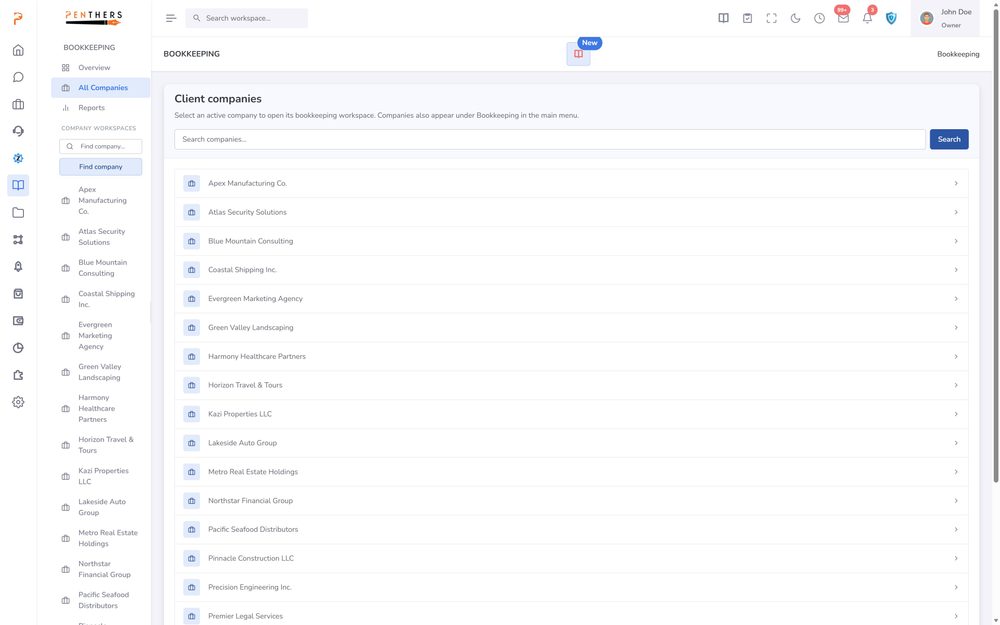
AI Bookkeeping
Automatically categorize, review, and reconcile transactions with intelligent AI built specifically for accounting firms.
Learn more ›Bookkeeping
Structured monthly cycles, AI auto-categorization, review queues, financial insights, receipt extraction, and a firm-wide dashboard — all connected to your client records and billing.
Learn more ›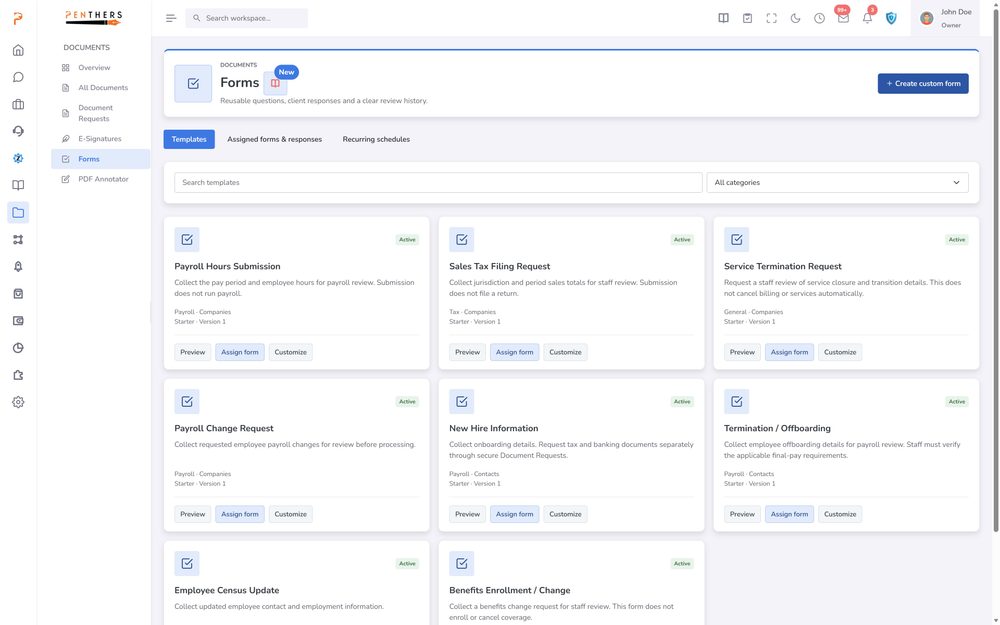
Payroll
Onboard payroll accounts, process runs, manage employees, and monitor federal and state compliance — all within the same platform where you manage taxes, billing, and clients.
Learn more ›See Bookkeeping Workflow Engine in your firm.
A 20-minute demo tailored to your workflow, or start a 14-day trial. Submitting a request does not charge a card.